Using the help
Where help is in the app, how to search it and what the (i) beside a field tells you.
Ways in
- F1 opens the page about the module shown; the ? in a module's header does the same.
- Help in the account menu (top right) opens these contents.
- The command palette (Ctrl K) lists every page as Help: …, and Search help… searches them.
- On the web, the help is also at its own address, readable without signing in.
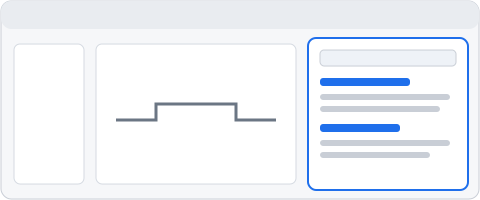
Field tips
The (i) beside a field's name says what the field means, its unit, its default and the standard it comes from. The text comes from the calculation model itself, so it always matches what the engine does. For example, the bearings module's radial clearance or a shaft's outer diameter.
The tour
Take the tour on the start screen, or in these contents, walks through five steps:
- open an example,
- change the shaft,
- add a bearing,
- read the results and checks,
- make a report.
| Key | What it does |
|---|---|
F1 | Help on the module shown |
Ctrl K | Command palette |
Esc | Closes the help (or the tour) |
Start with the shaft module, or open the single-stage gearbox example.